

Alternatives to Shrinkpad
Effortlessly batch compress images and videos on Mac, optimizing quality while saving time and disk space.
Explore 20 alternatives to Shrinkpad. Compare features, pricing, and find the best fit for your needs.

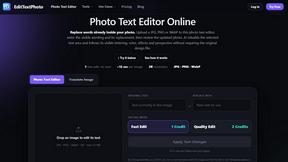
EditTextPhoto
AI-powered image text editor to edit, replace, fix, or translate text in images while preserving the original font, color, size, and style.

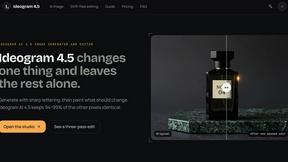
ideogram-45
AI image generation and editing with sharp typography, native 2K output, and localized edits that preserve the rest of your image.


Qwen Image Edit
Qwen Image Edit Online for prompt-based image editing, generation, and creative production.
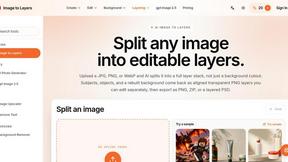
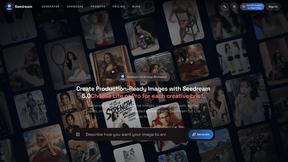
Seedream 5.0
Production-ready AI image generation and editing with Seedream 5.0 Pro and Lite for ecommerce, marketing, social media, and branded content.

Nano Editor
NanoEditor is an AI-powered D&D portrait generator that turns character details like ancestry, class and gear into focused fantasy RPG art.
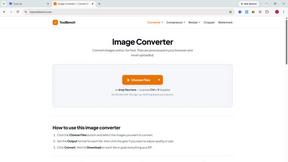
ToolBench
Free browser-based image tools — convert, compress, resize, crop and watermark. Nothing is uploaded.

Magic Eraser
AI photo editor for removing objects and backgrounds, enhancing images, and creating visuals across web and mobile.

GPT Image 2 API
Production-ready AI image generation and editing with clear text, consistent styles, and developer-friendly APIs.

Photo to Excel
Turn table photos and screenshots into editable Excel files with Photo to Excel. Merge images, remove duplicates, preview, download free.

StopScroll
StopScroll is an AI thumbnail maker that generates YouTube thumbnail concepts from a URL, title, or prompt.


IsThisAIImage
Free online AI image and deepfake checker. Upload a photo for AI-generated and deepfake scores, a clear verdict, and optional generator hints.
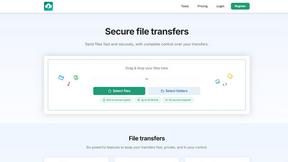
HypeShare
HypeShare is a secure file transfer platform that enables fast, encrypted sharing of up to 10GB without requiring an account.

ComicsMaker
ComicsMaker is an AI tool that transforms prompts into structured comic strips, manga panels, and storyboards for export-ready drafts.
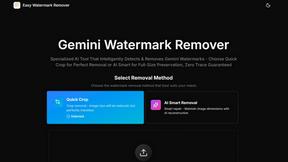
Easy Watermark Remover
Easy Watermark Remover uses AI or cropping to instantly remove Gemini watermarks from images online with no signup required.

Art & See Custom Oil Painting Portraits
Transform cherished photos into stunning custom oil portraits, perfect for celebrating loved ones with timeless artistry and free shipping.
About Shrinkpad Alternatives
Shrinkpad is a powerful batch image and video compression tool designed specifically for macOS users. It allows creatives, including photographers and content creators, to efficiently compress large volumes of media files while maintaining high visual quality. As users explore their options, they often seek alternatives for various reasons such as pricing, feature sets, and compatibility with different platforms. When selecting an alternative to Shrinkpad, users should consider key factors such as the software's ease of use, the range of supported file formats, the quality of compression, and whether it processes files locally or relies on cloud-based solutions. Additionally, features like batch processing capabilities and customization options can significantly impact user experience.
FAQs about Shrinkpad Alternatives
What is Shrinkpad?
Shrinkpad is a batch image and video compression tool designed for macOS users, allowing them to efficiently compress media files while maintaining optimal quality.
Who is Shrinkpad for?
Shrinkpad is ideal for creatives such as photographers, designers, and content creators who need to manage large volumes of images and videos.
Is Shrinkpad free?
Shrinkpad is a paid application, but it offers a range of features that justify its pricing for professional users.
What are the main features of Shrinkpad?
The main features of Shrinkpad include batch processing, local file processing for enhanced privacy, and extensive customization options for compression settings.