

Explore 20 alternatives to Opal. Compare features, pricing, and find the best fit for your needs.

JevModel
Jev turns text or JSON into Choice, Score and Noul answers with probabilities. Build decision flows and call the API.
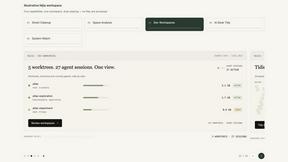
Nijia
Native macOS disk analysis, careful cleanup, file organization, and developer-workspace storage. Includes a 7-day full-feature trial.
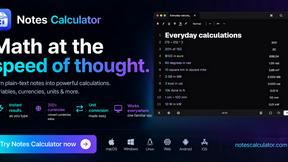
Notes Calculator
A notepad calculator that reads plain text and gives instant answers as you type, free on Mac, iOS, Windows, Linux, Android and Web.
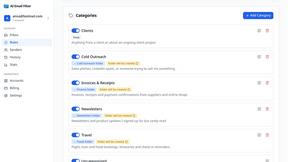
AI Email Filter
AI Email Filter sorts incoming mail into folders using plain-language prompts you write. Works with any IMAP mailbox; bring your own LLM if you want.
Egmatic
No-code 2D game editor: visual node logic, drag-and-drop scenes, live preview. Exports to Windows, macOS, Linux, Android, iOS, Web.
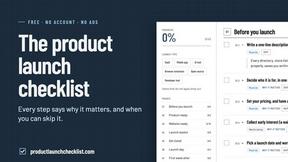
Product Launch Checklist
A free launch checklist for SaaS, apps, AI tools and more. Every step says why it matters and when you can skip it.
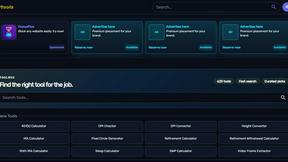
Kody Tools
Free collection of online developer utilities, code formatters, and digital converters designed to streamline your daily workflow.
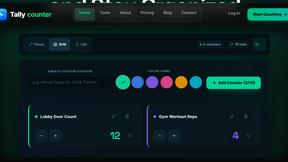
Gamespad Taster
Online tally counter for tracking attendance, workouts, inventory, visitors, sports scores, habits, and everyday counting tasks.
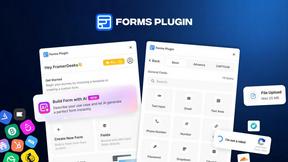
Forms Plugin
The #1 Native Form Builder Plugin for Framer - No Code, No Embeds, No External Platforms.




PerPageFax
PerPageFax lets you send a fax online from any browser for a flat $0.50 per page — no account, no subscription, no fax machine.

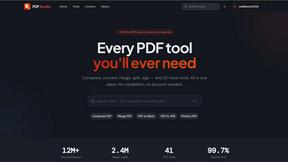
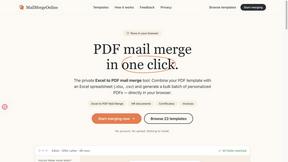
PDF Mail Merge Online
PDF Mail Merge Online is an in-browser tool that combines PDF templates with Excel or CSV spreadsheets to generate personalized PDFs.
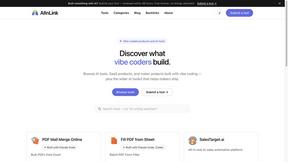
AIInLink
AIInLink is a curated platform to discover and submit AI tools, SaaS products, and maker projects, with a unique focus on "vibe coding."
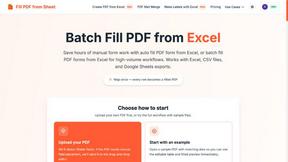
Fill PDF from Sheet
It offers smart mapping to accurately generate individual or batch PDF forms, saving professionals significant time on manual data entry.

About Opal Alternatives
Opal is a visual knowledge and project management workspace that helps users organize their projects and notes efficiently. Designed for individuals who think spatially, Opal offers an intuitive digital canvas where users can drag and drop various elements, making information retrieval straightforward and frustration-free. This platform appeals to diverse professionals, including solopreneurs, consultants, agency owners, and writers, who require a seamless way to keep their active projects and essential details visible and accessible. Users often seek alternatives to Opal for various reasons, such as budget constraints, specific feature requirements, or compatibility with different operating systems. When considering alternatives, it's crucial to evaluate the key features that align with your workflow, including user interface design, collaborative capabilities, and integration with other tools. Additionally, assessing the pricing structure and ensuring it fits your budget will help you find a suitable solution that meets your productivity needs without sacrificing essential functionalities.
FAQs about Opal Alternatives
What is Opal?
Opal is a visual workspace designed for organizing projects and notes, enabling users to retrieve information instantly. It allows for a spatial approach to knowledge management, where users can drag and drop notes, documents, and links onto an infinite digital canvas. This unique method enhances memory retention by focusing on the location of information rather than just its name.
Who is Opal for?
Opal is tailored for individuals and professionals such as solopreneurs, consultants, agency owners, and writers. It's particularly beneficial for those whose work relies on managing multiple projects, client details, and creative ideas. Users who prefer a spatial approach to organizing their thoughts and tasks will find Opal especially useful.
Is Opal free?
While specific pricing details were not provided, Opal typically offers various pricing tiers to accommodate different user needs. It's advisable to check Opal's official website for the most current information regarding pricing plans, including any potential free trials or tiered subscriptions that may be available.
What are the main features of Opal?
Opal's main features include an infinite digital canvas for organizing notes and documents, a drag-and-drop interface, and a focus on spatial memory for quick retrieval. The platform is designed to keep active projects and essential information visible at all times, allowing users to maintain their workflow without disruptions. This makes it an ideal tool for managing complex information and enhancing productivity.