
MindMap AI
MindMap AI transforms any content into structured, editable mind maps for enhanced thinking and collaboration.
Visit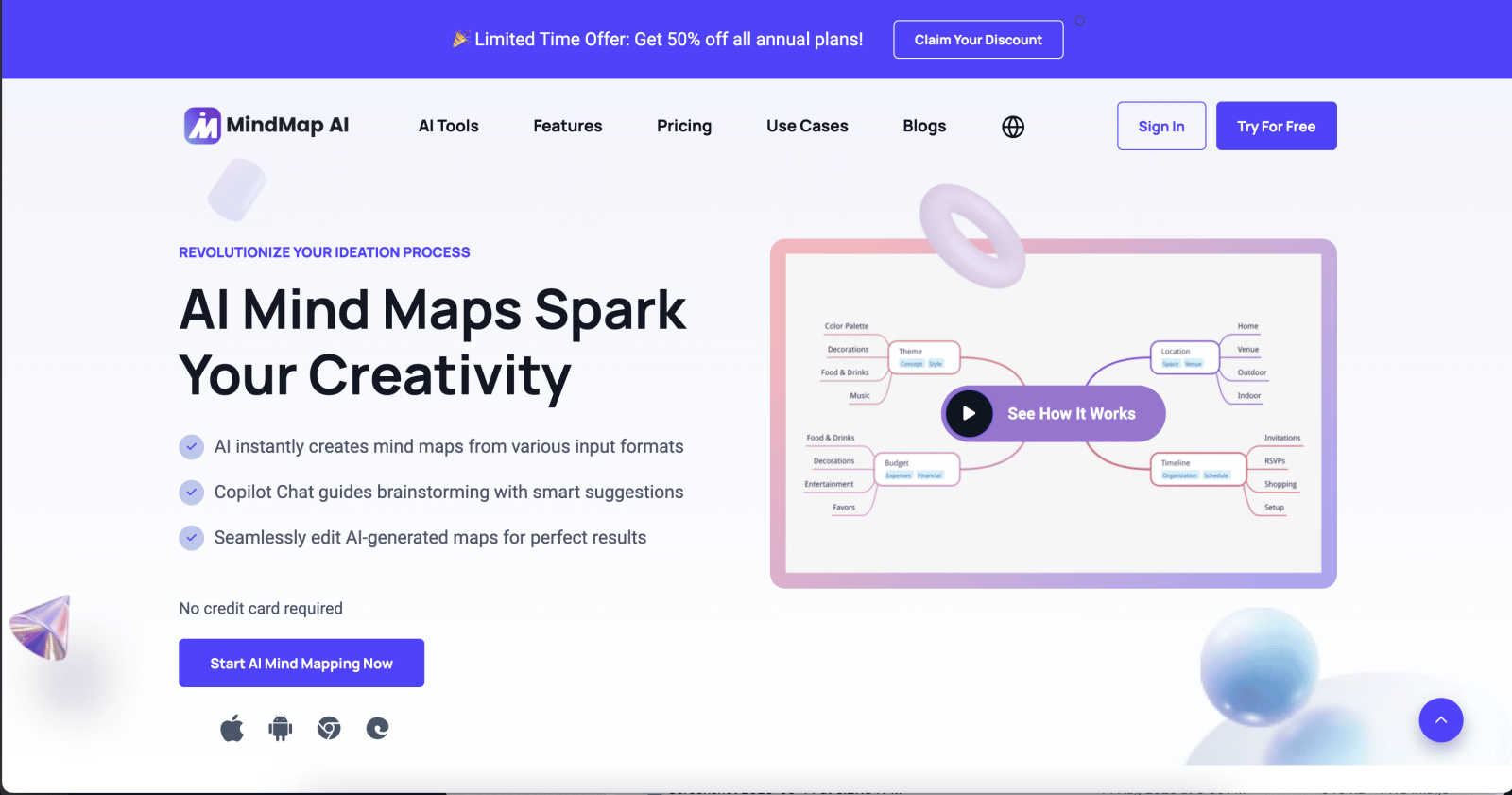
About MindMap AI
MindMap AI is a sophisticated, AI-powered visual thinking platform engineered to transform unstructured information into structured, actionable knowledge. It moves beyond traditional mind mapping by integrating a proprietary "AI Thinking Mode," a step-by-step reasoning engine that analyzes context, hierarchy, and relationships before generating a map. This ensures outputs are logically coherent and meaningful from the first iteration, addressing a key limitation of earlier AI tools that often produce disjointed or noisy outputs. The platform is designed for a broad spectrum of users, including students, professionals, researchers, and corporate teams, who need to synthesize complex information from diverse sources like PDFs, documents, audio recordings, videos, and datasets. Its core value proposition lies in eliminating the friction between idea generation and organization, providing a stable, interactive workspace where human creativity and AI augmentation collaborate seamlessly. By converting chaos into clarity, MindMap AI empowers over one million users to accelerate brainstorming, enhance strategic planning, streamline knowledge management, and improve collaborative workflows.
Features of MindMap AI
AI Thinking Mode
This foundational feature employs a step-by-step reasoning engine that meticulously analyzes input content for context, semantic relationships, and inherent hierarchy before constructing a mind map. Unlike generative models that can output random branches, this process ensures every generated map is structurally sound, accurate, and immediately useful. It mimics a human-like analytical process, guaranteeing that the visual output truly reflects the core ideas and their connections, providing a reliable first draft for any project.
Multi-Format File-to-Map Conversion
MindMap AI can ingest and intelligently process a vast array of file formats, including PDFs, Word documents, PowerPoint slides, images, audio files (like meeting recordings), video, Markdown, CSV, JSON, and XML. This capability allows users to instantly transform static or dense content into a dynamic, editable visual map. It bypasses the tedious manual work of transcription and initial organization, enabling users to dive directly into higher-order thinking, analysis, and creative expansion of the material.
MindMark Stability & Continuous Co-Editing
A critical innovation, MindMark Stability ensures the AI respects and preserves all manual edits, custom layouts, and personal structural choices. The AI expands and summarizes content around user-defined elements without overwriting them. This allows for true co-creation: users can manually add nodes, draw connections, apply styles, and then use AI features like auto-expansion or summarization without fear of their work being altered, creating a stable and predictable editing environment.
Flexible Multi-View Layouts
Users are not confined to a single diagram type. MindMap AI allows seamless switching between three distinct visual views: the radial Mind Map, a top-down Org Chart, and a logical Flow Chart. The underlying data structure remains perfectly synchronized across all views. This flexibility enables teams to explore ideas creatively in mind map view, plan reporting structures in org chart view, and design processes in logic chart view—all from the same project without redundant rebuilding.
Use Cases of MindMap AI
Academic Research and Study Aid
Students and researchers can upload lecture recordings, textbook chapters, or academic papers to instantly generate structured mind maps. This visual summary aids in comprehension, identifies key themes and relationships, and creates an optimal foundation for revision notes, literature reviews, and thesis outlining. The multi-language support also makes it invaluable for studying foreign language materials or collaborating on international research projects.
Corporate Strategy and Brainstorming Sessions
Teams can convert raw meeting transcripts, strategy documents, and market research data into a shared, interactive mind map. This visual anchor facilitates more productive brainstorming, helps distill complex ideas into clear strategic pillars, and ensures alignment across departments. The ability to co-edit in real-time and export to actionable workflows turns abstract discussions into concrete project plans and execution roadmaps.
Project Planning and Knowledge Management
Project managers and teams can use MindMap AI to deconstruct project briefs, technical specifications, or process documentation into clear, hierarchical maps. These maps serve as living knowledge bases, clarifying scope, defining tasks and dependencies, and onboarding new team members quickly. The addition of widgets like Priority Flags and Due Dates transforms the map from a planning tool into an active project dashboard.
Content Creation and Synthesis
Writers, consultants, and content creators can feed in notes, interview transcripts, or data sets to generate a central idea map. This visual framework helps organize arguments, structure narratives, and ensure logical flow in articles, reports, presentations, or training materials. The instant aesthetic themes allow for quick polishing, making the mind map itself a presentation-ready piece of content.
Frequently Asked Questions
How does MindMap AI ensure the accuracy of its generated maps?
MindMap AI utilizes a proprietary "AI Thinking Mode" that is fundamentally different from a standard text-to-diagram prompt. It acts as a reasoning engine, first analyzing the entire input to understand context, extract key entities, and infer hierarchical and relational structures. This step-by-step, analytical approach prioritizes logical coherence over sheer generation speed, ensuring the resulting map is an accurate and meaningful representation of the source material, not a collection of loosely associated phrases.
Can I edit the mind maps after the AI creates them?
Absolutely. Full manual control is a cornerstone of MindMap AI. You can click on any node to edit text, drag and drop branches to reorganize structure, add entirely new nodes and connecting arrows, and apply custom colors, fonts, and shapes. The unique MindMark Stability feature guarantees that when you subsequently use AI commands (like "expand this node" or "summarize this branch"), the AI will work around your edits without overwriting them, making it a true co-pilot.
What languages does MindMap AI support?
MindMap AI offers robust multi-language support for creating and editing mind maps in over 25 languages. The AI's processing and "Thinking Mode" are designed to work consistently across these languages, maintaining proper layout, structure, and semantic accuracy. This makes it a powerful tool for global teams, multilingual students, and professionals working with international content.
Is there a free plan available?
Yes, MindMap AI offers a free tier designed for individuals to experience the core capabilities. This plan includes 50 free AI credits per month, which can be used for generating maps from files or using AI expansion features. It provides access to key functionalities like multi-format import, basic editing, and theme customization without requiring a credit card, allowing users to thoroughly test the platform's value.
Pricing of MindMap AI
MindMap AI operates on a credit-based system. The platform offers a perpetual free tier that provides 50 AI credits monthly. For users requiring more capacity, paid plans are available that offer larger bundles of monthly credits, along with access to advanced features such as increased processing limits for large documents, premium themes, and enhanced collaboration tools for teams. Specific tier names, credit allotments, and monthly/annual costs are detailed on the MindMap AI website's pricing page.
Explore more in this category:
Similar to MindMap AI

Learn languages with real movie and TV show clips.

Free collection of online developer utilities, code formatters, and digital converters designed to streamline your daily workflow.

Online tally counter for tracking attendance, workouts, inventory, visitors, sports scores, habits, and everyday counting tasks.

The #1 Native Form Builder Plugin for Framer - No Code, No Embeds, No External Platforms.


PerPageFax lets you send a fax online from any browser for a flat $0.50 per page — no account, no subscription, no fax machine.