

Alternatives to EditTextImage
EditTextImage lets you replace text in images online while preserving font, color, and perspective, no Photoshop required.
Explore 20 alternatives to EditTextImage. Compare features, pricing, and find the best fit for your needs.
Qwen Image Edit
Qwen Image Edit Online for prompt-based image editing, generation, and creative production.

Wan Video
Create Wan AI videos from text, images, references, and clips with Wan 2.7 workflows.
Seedream 5.0
Production-ready AI image generation and editing with Seedream 5.0 Pro and Lite for ecommerce, marketing, social media, and branded content.
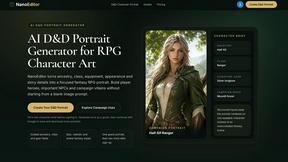
Nano Editor
NanoEditor is an AI-powered D&D portrait generator that turns character details like ancestry, class and gear into focused fantasy RPG art.
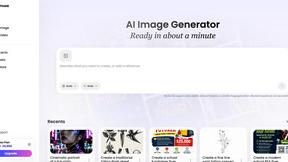
Vismuse
Create polished AI images and videos from prompts or references for social posts, ads, flyers, album covers, and campaigns.
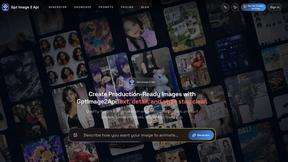
GPT Image 2 API
Production-ready AI image generation and editing with clear text, consistent styles, and developer-friendly APIs.
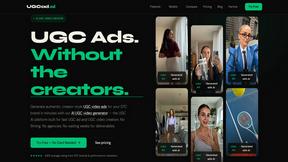
UGCad AI
AI UGC video ad Generator which Turn a URL, prompt, or template into a ready video ads
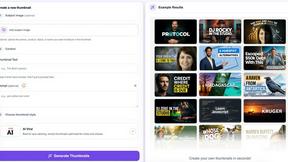
StopScroll
StopScroll is an AI thumbnail maker that generates YouTube thumbnail concepts from a URL, title, or prompt.
HubVanta AI
HubVanta AI helps creators generate images and videos with advanced AI tools for visual content workflows.
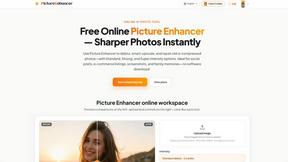
Picture Enhancer
Picture Enhancer uses AI to deblur, upscale, and restore photos in your browser with three intensity levels and no software install.
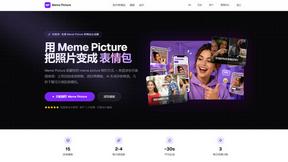
Meme Picture
Meme Picture uses AI to transform selfies and pet photos into shareable classic memes with free daily generations and no login required.
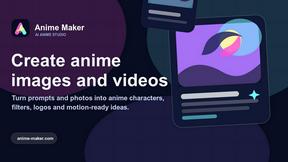
Anime Maker
Anime Maker transforms text and photos into AI-generated anime images, characters, and short videos with customizable styles and scenes.
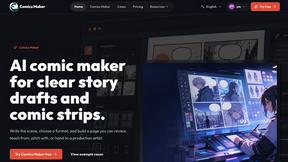
ComicsMaker
ComicsMaker is an AI tool that transforms prompts into structured comic strips, manga panels, and storyboards for export-ready drafts.
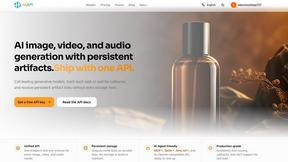
HiAPI
HiAPI provides a single API to access leading AI models for image, video, and text generation with persistent storage and production-grade.
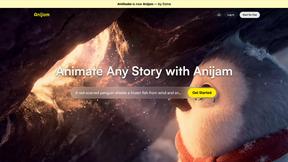
Anijam.ai
Anijam.ai is a research-backed AI animation studio that generates consistent anime and videos with one-click lip-syncing.
GPT Image 2
GPT Image 2 is a leading AI image generator delivering photorealistic results with industry-leading text accuracy.
Seeddance
Seeddance transforms text and images into stunning, high-definition videos with seamless motion and customizable audio in seconds.
About EditTextImage Alternatives
EditTextImage is a specialized online tool that falls within the image generation and editing category, specifically designed for seamless text replacement within existing images. Unlike traditional graphic design software, it leverages AI to sample typography, colors, and layout effects directly from the pixels of a source image, allowing users to change text without needing the original design file, font files, or advanced editing skills. Users commonly seek alternatives to EditTextImage for several practical reasons, including budget constraints (as it operates on a one-time payment model for a set number of edits), the need for unlimited edits or a subscription-based workflow, or the requirement for broader image editing capabilities beyond text replacement, such as full layer manipulation or batch processing. When evaluating an alternative, it is critical to assess the accuracy of the AI text sampling, the tool’s ability to preserve complex visual effects like drop shadows and perspective, the output resolution (2K or higher is ideal), and whether the pricing model aligns with your frequency of use, whether that means a free tier, a subscription, or a pay-per-edit structure. The market for AI-driven image editing has expanded rapidly, yet the core challenge remains replicating the exact visual integrity of the original text without manual intervention. A robust alternative should demonstrate high fidelity in matching fonts, including paid or custom typefaces, and maintain color consistency across different image backgrounds. Additionally, consider the platform’s support for various file formats, the speed of processing (ideally under 30 seconds), and any security protocols for uploaded images, particularly if you are editing sensitive documents or product photos. The most effective solutions will balance ease of use with professional-grade output, ensuring that the edited image is indistinguishable from the original design, thus eliminating the need for reshooting or redesigning content from scratch.
FAQs about EditTextImage Alternatives
What is EditTextImage?
EditTextImage is an AI-powered online tool designed to replace text within images without requiring the original design file, font installations, or software like Photoshop. It works by sampling the typeface, color, drop shadow, and perspective directly from the image pixels, allowing users to edit text in approximately 10 seconds. The tool outputs the final image at 2K resolution, making it suitable for professional use in posters, screenshots, and product photos.
Who is EditTextImage for?
EditTextImage is primarily for marketers, designers, content creators, and business professionals who need to make quick text changes to finished images when the original source file is unavailable. It is ideal for fixing typos, swapping dates, A/B testing headlines, or updating text in screenshots and product photos. The tool is designed for users who want a fast, no-subscription solution without needing to learn complex design software.
Is EditTextImage free?
EditTextImage offers a free first edit with no credit card required, allowing users to test the tool before committing. After the free trial, it operates on a one-time payment model of $9.90 for 30 edits, with no recurring subscriptions. This pricing structure is designed for users who need occasional text edits rather than ongoing, unlimited access.
What are the main features of EditTextImage?
The main features include AI-driven text replacement that samples the original font, color, and layout from the image pixels, ensuring pixel-perfect results even for paid fonts and hand-lettering. The tool processes edits in about 10 seconds and outputs images at 2K resolution. It requires no Photoshop, font files, or design files, and the first edit is free with no credit card needed.