
About Silentcut
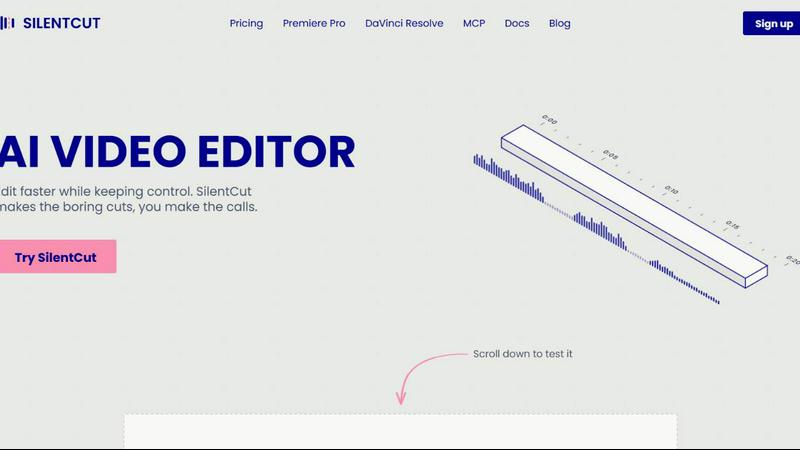
SilentCut is an AI video editing plugin for editors who cut talking-head videos, podcasts and creator content. It runs inside Premiere Pro and DaVinci Resolve (free edition and Studio), and in the browser with SilentCut Studio.
Three tools take the tedious part out of an edit:
- Silence Remover finds and cuts the silent gaps, with sensitivity and minimum gap length under your control.
- Speech Cleanup removes filler words, stutters, false starts, unfinished sentences and repetitions.
- Best-Take Selector highlights every version of a repeated sentence, so you keep one take and cut the rest.
SilentCut makes the boring cuts and you make the calls. Your video stays on your machine: only the audio is uploaded.
The Silence Remover is free, with no limit. The Editor plan ($29/mo) and the Agency plan ($79/mo) add Speech Cleanup and the Best-Take Selector, with a 14-day money-back guarantee.
Similar to Silentcut

Make the Alors on Danse AI meme video from two photos, soundtrack included

Try MiniMax Hailuo H3 video generation in the browser

Publish to 20 social networks from one composer and track every click in real time. Built for humans and AI agents.

Create videos from text, images, or reference materials with Happy Horse AI.

Hailuo AI image to video creation with guided motion and camera control


Create a visual link-in-bio page for your links, media, profiles, and projects—free to start.

Create and edit cinematic AI videos from text, images, audio, and video prompts.