

Genjutsu AI
Genjutsu AI transforms existing clips by swapping characters, outfits or products and changing backgrounds while preserving source motion.
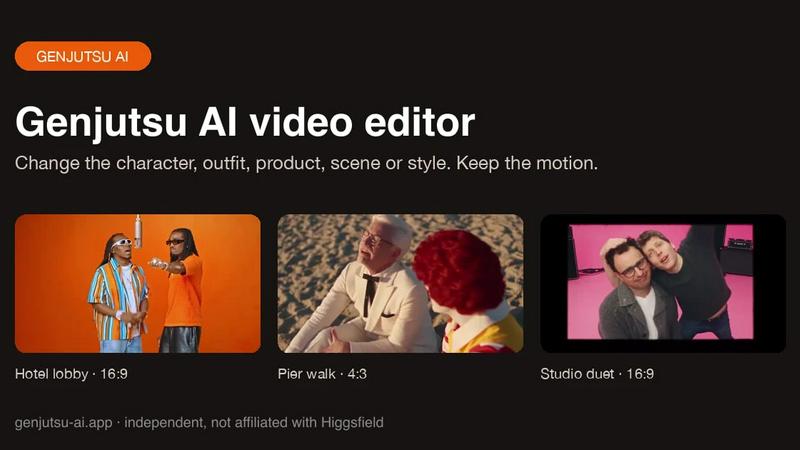
About Genjutsu AI
Genjutsu AI gives an existing clip a new visual treatment without asking you to rebuild its movement from scratch. Choose a video, select the section to generate, then provide a short instruction and reference images when the change needs a visual target. You can use it to recast a character, alter clothing, replace a featured product, shift the setting or restyle footage.
For a specific workflow, pick the model to match the task: the site describes Genjutsu 1.0 for motion transfer and Genjutsu Lite 1.0 for lower-cost swaps. Segment length can run from 4 to 30 seconds, and output resolution depends on the model. The approach is most suitable when broad continuity matters more than exact fine details. Hands, hair and small text can drift, so it is not a reliable choice for preserving precise packaging labels frame by frame.
Features
- Upload an MP4 or MOV or select a built-in clip
- Add reference images for character, outfit or product edits
- Change the setting or restyle the footage
- Generate selected segments from 4 to 30 seconds
Use cases
- Recast a short-form trend clip
- Create a new product variation from an existing shot
- Preview clothing using recorded movement
- Transform live footage into an anime or 3D look
Pricing
Credits are available through one-time packs and monthly or yearly plans. Packs do not expire; the official page lists 220 credits for $12.
Frequently asked questions
What is a good source clip?
The product recommends steady, well-lit footage with one clear subject for cleaner results.
Can it replace product packaging accurately?
Small logos and packaging text are not guaranteed to stay exact, and fine details may vary across frames.
Can I use footage of another person?
The site says to use material you have rights to use and requires recognizable people to have agreed to the edit.
Similar products
Compare alternatives
FoxyLab
FoxyLab creates product videos and banner sets from chat prompts, with brand-aware editing and multiple export sizes.
LobbyClip
Create a staged duo video from two photos, choosing from seven scenes, three aspect ratios, and two resolution options.
Tiny Desk AI
Create a 15-second Outstanding Tiny Desk video from portraits, with optional friend roles and two resolution choices.

Tip Toeing in My Jordans AI
Create a 12-second Rumpelstiltskin tiptoe clip from photos, choosing a vertical or widescreen layout and 720p or 1080p output.
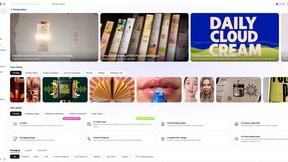
Rhinobird
Rhinobird helps ecommerce teams make product listing images, advertising creatives, packaging visuals, and product videos from existing assets.
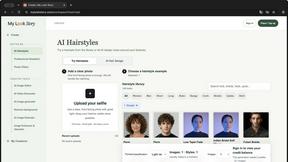
My Look Story
Explore hairstyle ideas, preview cuts on your own photo, and create work portraits and AI generated images with My Look Story.

VD6S.online
Download publicly viewable YouTube videos as MP4 or extract audio in eight formats, with quality options determined by the source video.